How to Fix Garbled CSV Characters (UTF-8) and Wrong Delimiters (; vs ,)
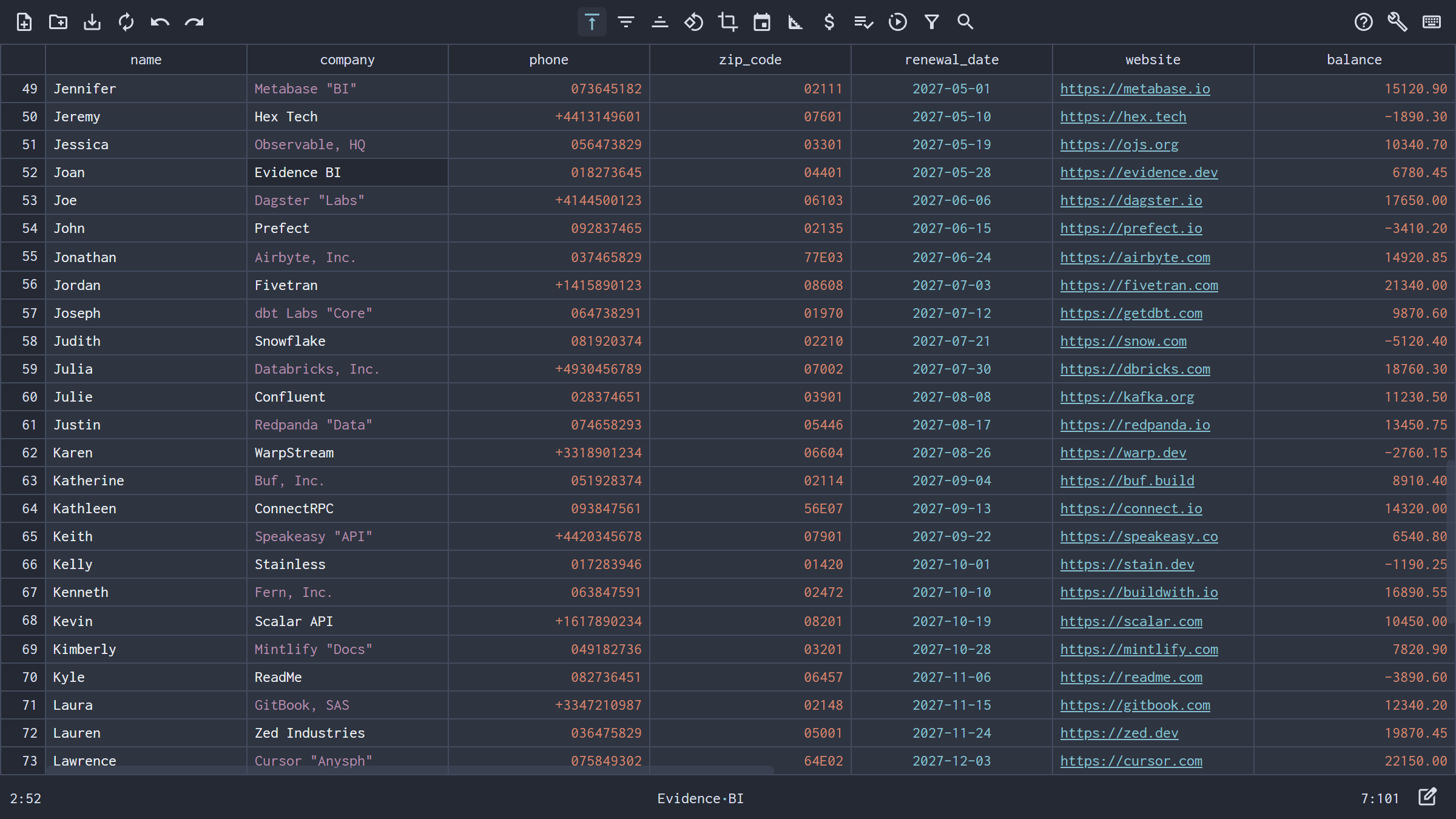
Opening a CSV file only to see garbled characters like
éandü—or every column jammed into a single column A—is caused by encoding and delimiter mismatches. Here is how to fix both instantly in NanoCell CSV.
Few things are more frustrating than opening a CSV file and seeing two classic symptoms:
- Names and addresses are full of mojibake symbols like
Müller,René,Café, or. - Instead of neat columns, the entire row (
id;name;email;created_at) is crammed into Column A.
Both issues happen because traditional spreadsheets make rigid, locale-bound assumptions about character encoding and column delimiters instead of inspecting the file itself.
Why CSV Characters Turn into é, ü, or ?
A CSV file is a sequence of bytes, and the character encoding tells the editor how to translate those bytes into text:
UTF-8: The modern universal web and database standard. Accented characters likeéorüuse two bytes (0xC3 0xA9and0xC3 0xBC).Windows-1252/ISO-8859-1(Latin-1): Legacy Western European single-byte encodings where0xC3isÃand0xA9is©.UTF-16LE/UTF-16BE: Multi-byte Unicode encodings frequently exported by Windows administrative tools and ERP systems.Shift-JIS/GB18030/Windows-1251: Common Japanese, Chinese, and Cyrillic encodings.
When an editor opens a UTF-8 file without a Byte Order Mark (BOM) using legacy Windows-1252, the two bytes for é (0xC3 0xA9) are misread as two separate characters: é. Conversely, when a Windows-1252 or Shift-JIS file is forced into strict UTF-8, accented letters turn into replacement diamonds (``). Worse, if you save the file in that state, the garbled characters are written back to disk permanently!
Why CSVs Open in a Single Column (; vs , vs TAB vs |)
Despite the name Comma-Separated Values, millions of CSV files do not use a comma:
- Semicolons (
;): Standard across European locales (France, Germany, Switzerland, Italy, Spain) where the comma is reserved for decimal numbers (12,50). - Tabs (
TAB/.tsv): Common in bioinformatics, data science, and clipboard exports. - Pipes (
|): Widely used in enterprise data warehouses and mainframe extracts where text fields contain commas.
When a spreadsheet hardcodes a single regional delimiter based on your OS settings, opening a European semicolon CSV on a US-locale machine dumps every field into the first column.
How NanoCell CSV Fixes Encodings and Delimiters Automatically
NanoCell CSV inspects the raw byte stream of every file you open:
- Automatic Encoding Detection: NanoCell automatically detects
UTF-8(with or without BOM),UTF-16LE,UTF-16BE,Shift-JIS,GB18030,Windows-1251, andWindows-1252on file open—so international names, currencies, and scripts render cleanly without manual import wizards. - Automatic Delimiter Detection: NanoCell analyzes header and row structure to automatically detect comma (
,), semicolon (;),TAB, and pipe (|) separators the moment the file loads. - One-Click Conversion to Standard UTF-8 & Comma Delimiters: Need to convert a legacy
Windows-1252semicolon CSV into a cleanUTF-8comma-delimited CSV for a database import? Just open the file in NanoCell CSV, verify or switch the target Delimiter and Encoding in Settings (Ctrl+,), and pressCtrl+Sto save!
Auto-detects
UTF-8,UTF-16LE/BE,Shift-JIS,GB18030, andWindows-1251/1252
Auto-detects,,;,TAB, and|delimiters
Converts and saves cleanly to standardUTF-8RFC 4180 CSV
Want to make sure your CSVs also keep their exact leading zeros, dates, and SQL-ready formatting? Explore our guides on editing CSVs without losing leading zeros and cleaning messy CSVs for SQL database imports.