Why Does Editing CSV Files Always Feel So Difficult?
CSV files are the backbone of data exchange—simple, universal, and incredibly versatile. It's not flashy, it's not trendy, and yet it is everywhere. But if CSV files are so simple, important, and universal, why do they feel so painful to work with?
What Are CSV Files (a quick reminder)?
The origins of the CSV file date back to the early days of computing when simplicity was key. Developers needed a lightweight, platform-agnostic way to store and share tabular data, and the CSV was born.
CSV stands for Comma-Separated Values. At its core, it's a plain text file where data is organized into rows and columns, with commas (or other delimiters like semicolons, tabs, or pipes) acting as the dividers. For example:
Name, Age, Favorite Food
Alice, 30, Pizza
Bob, 25, Sushi
A plain-text file of tabular data
Columns of each row are delimited by commas
Hence the name, CSV: Comma-Separated Values
What Are CSV Files Used for Today?
Fast forward to today, and CSV files are everywhere. They are a cornerstone of the digital world, acting as a universal format for data portability across systems. Whether it's accessing massive datasets from the company cloud or transferring contacts from a phone, CSV files have you covered. Widely used in ETL (Extract, Transform, Load) pipelines, they enable seamless data transfer between databases with differing proprietary formats. Data engineers take advantage of their simplicity for storing and retrieving tabular data as backups. CSV files integrate cleanly with Python, Pandas, DuckDB, R, and SQL for data analysts and data scientists training machine learning models. Many APIs offer CSV as an exchange format due to its simplicity, and its text-based structure makes it a popular choice on GitHub, where developers store configuration tables or test datasets in repositories. Finally, it remains the go-to format for publishing open datasets.
Database import/export, backup & API exchange
Input format for data analysis & modeling tools
Configuration tables in source control
... Just about anything
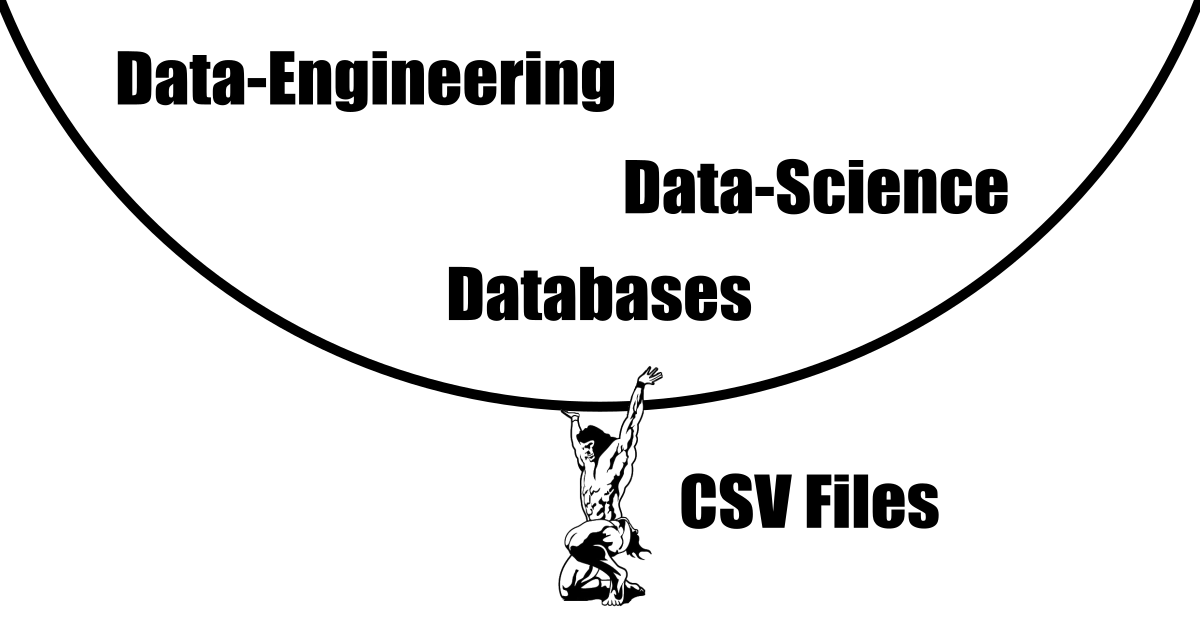
Why Do CSV Files Remain Truly Indispensable?
What makes the CSV file truly indispensable is its combination of simplicity, age-old reliability, and non-proprietary nature. There's beauty in its straightforwardness. You don't need proprietary software to open, read, and understand a CSV file—any lightweight text editor will do (Notepad, Vim, Emacs, VS Code). You can even inspect its content directly from the command line: cat ./path-to/filename.csv. It is the only tabular file format guaranteed to interface seamlessly with virtually every data handling system, from legacy mainframes to modern cloud warehouses. While XML, Parquet, and JSON each have their place, when it comes to universal human-readable longevity, CSV is unmatched.
Simple
Reliable
Timeless
Human-Readable
Universal
Common Problems Working with CSV Files
Working with CSVs isn't always smooth sailing. Here are the most common pain points:
Encoding Nightmares: Non-ASCII characters (such as é, ü, or CJK scripts) get garbled when an editor guesses the wrong character encoding instead of properly detecting UTF-8, UTF-16LE/BE, Shift-JIS, GB18030, or Windows-1251/1252.
Comma & Quote Confusion: Unescaped commas, double quotes, or embedded line breaks inside cell values can silently shift columns and break downstream RFC 4180 parsers.
Regional Delimiter Collisions: In many European locales where commas are used as decimal separators (1,25), spreadsheets export semicolon-delimited (;) files that fail to open cleanly in comma-expecting tools.
Silent Data Corruption in Spreadsheets: Microsoft Excel, Google Sheets, LibreOffice Calc, and Apple Numbers are built for financial modeling—not verbatim text editing. The moment you open a CSV, they automatically cast values into numbers, dates, and formulas: stripping leading zeros from postal codes ("02138" becomes 2138), turning international phone numbers ("+41 79 123 45 67") into #NAME? formula errors, converting alphanumeric SKUs ("84E02" or "10-12") into scientific notation or calendar dates, and truncating 64-bit IDs beyond 15 digits. On top of that, multi-gigabyte database extracts freeze or truncate at 1,048,576 rows.
Essential Yet Painful to Work With – Why?
If CSV files are so important and universal, why does it feel so risky to open them in a standard spreadsheet editor?
- Spreadsheet suites compete on complex formulas, charts, and pivot tables.
- Those features rely on aggressive automatic type inference and proprietary file formats (
.xlsx,.numbers). - Plain-text CSV handling is treated as an import/export afterthought rather than a first-class verbatim format.
- Users are left without a fast, dedicated CSV editor that respects raw text.
The Solution: A Dedicated Verbatim CSV Editor
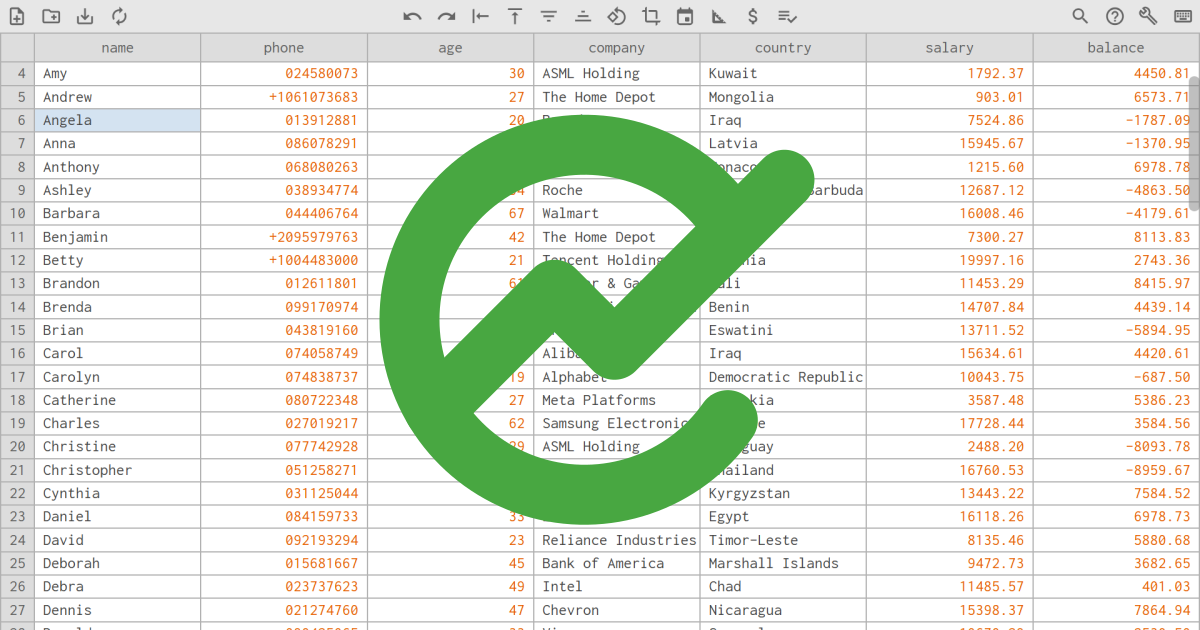
NanoCell CSV is a free, open-source, cross-platform editor built specifically for .csv and .tsv files. Its source code is available on GitHub. Every cell is treated as 100% verbatim text by default, multi-gigabyte files preview in milliseconds via background Web Worker interval sampling, and built-in validation rules clean up headers, currencies, locale numbers, and dates in one click—running 100% locally in your browser or as an offline Desktop PWA.
NanoCell CSV embraces the core values of CSV:
- Simple
- Reliable
- Universal
Find out more at https://nanocell-csv.com/